Unlocking Free Listings with Superior Merchant Center Feeds
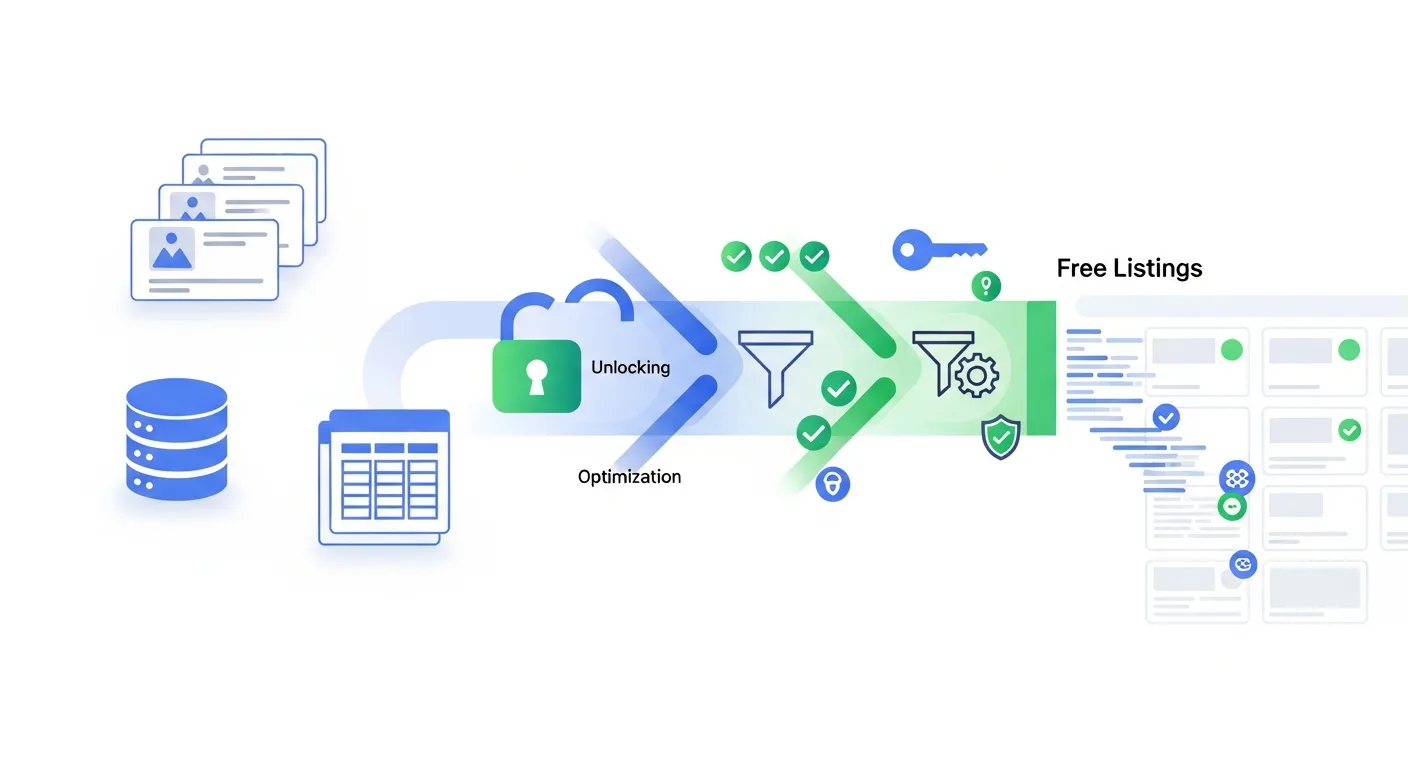
Free product listings in Google Shopping surfaces can be a meaningful source of incremental traffic—especially when paid campaigns are competitive or budgets are tight. But “free” doesn’t mean “automatic.” Eligibility and visibility still depend on the quality, completeness, and freshness of your Google Merchant Center (GMC) feed.
This guide breaks down exactly how superior product data unlocks more free listings, reduces disapprovals, and improves performance across Shopping ads and Performance Max. You’ll get practical checklists, examples, and troubleshooting steps you can apply today.
How free listings actually work (and why feeds decide the winners)
Free listings pull from the same product data foundation as paid Shopping placements. Google evaluates your items based on policy compliance, matching confidence (how well Google understands what you sell), and user experience signals like accurate pricing and shipping. The stronger your feed, the more reliably Google can show your products for relevant queries.
Think of your feed as a structured “product resume.” If key fields are missing or inconsistent, Google may:
Limit impressions because it can’t confidently match items to searches.
Show the wrong variants (hurting CTR and conversion rate).
Disapprove items due to policy or data quality issues, removing them from both paid and free surfaces.
In other words: superior feeds don’t just prevent disapprovals—they create more opportunities for visibility.
Feed fundamentals that most directly impact free listings
Start by tightening the attributes that most often determine eligibility and ranking. These are the areas where small improvements can lead to measurable coverage gains.
Titles that match how people search
A strong title improves matching. A weak title forces Google to guess. A useful pattern for many categories is:
Brand + Product type + Key attributes + Variant
Example: “Acme Men’s Running Shoes | Lightweight | Size 10 | Black”
Common mistakes include keyword stuffing, vague titles (e.g., “Sneakers”), and leaving out critical variant signals like size, color, capacity, or count.
GTIN/MPN and brand consistency
For most retail products, including a correct GTIN (and brand) increases Google’s ability to match your item to existing catalog entities—often improving eligibility and impression share. If you sell private-label or custom goods, use mpn where appropriate and ensure identifier flags align with your catalog reality.
High-quality images and correct landing pages
Images and landing pages still matter for free listings. Ensure:
Image links resolve (no 404s), load fast, and show the product clearly.
Landing pages match the variant in the feed (color/size) and are indexable.
No overlays or promotional text that can trigger policy issues.
Price, availability, shipping, and tax accuracy
For ecommerce teams, the fastest way to lose free listing coverage is inconsistent pricing or availability. Google compares feed data with what it sees on your site and what your structured data indicates.
Prioritize:
price and sale_price alignment with the product page.
availability updated quickly (especially during promotions).
Correct shipping settings and delivery expectations.
Diagnostics, disapprovals, and the “hidden” blockers to free traffic
Many stores technically “have a feed” but still miss free listing potential because of unresolved account or item issues. In Google Merchant Center, look beyond the top-level errors and dig into warnings and “limited performance” notices.
Common disapproval causes (and how to fix them)
Price mismatch: Update feed more frequently, fix currency/decimal formatting, and ensure sale pricing rules match your site.
Unavailable landing page: Resolve 404/503s, remove redirect loops, and ensure the final URL is accessible to Googlebot.
Missing identifiers: Add GTINs where applicable; ensure brand is not blank; don’t reuse one GTIN across variants.
Policy issues: Review restricted categories and ensure claims, medical language, or prohibited content aren’t present in titles/descriptions.
Warnings that quietly reduce coverage
Warnings may not disapprove items, but they can reduce reach. Examples include low image quality, missing attributes like color/gender/age_group for apparel, and weak product categorization. Treat warnings as a backlog for increasing eligible inventory.
If you need a workflow to identify and correct feed issues faster, a dedicated optimization layer can help you standardize titles, fix missing attributes, and apply rules at scale. Tools like Brandlio’s Merchant Center feed optimization platform are designed to streamline these fixes without requiring you to manually edit thousands of SKUs.
Optimization playbook: 10 actions to improve eligibility and visibility
Use the following as a practical checklist for improving free listings and strengthening the same foundation your paid campaigns rely on.
Audit title patterns by category: Define templates per product type (apparel, electronics, home goods) and include variant attributes consistently.
Normalize brand names: Use one canonical brand spelling; avoid mixing punctuation or parent brand names.
Enforce unique IDs per variant: Ensure each size/color has its own id and correct variant attributes (e.g., color, size).
Fill GTINs and validate format: Remove spaces, confirm length, and ensure GTIN matches the actual product.
Improve product_type and google_product_category: Use meaningful product_type taxonomy for internal segmentation; choose the closest Google category for matching.
Fix pricing and sale logic: Ensure sale_price dates are correct, avoid perpetual sales, and keep feed refresh frequent during promotions.
Verify shipping accuracy: Match shipping settings to what users see at checkout; consider handling time and carrier rates where appropriate.
Harden landing page consistency: Confirm canonical URLs, variant selection, and structured data match your feed attributes.
Use custom labels for control: Segment by margin, seasonality, best-sellers, or price bands to guide campaign structure and reporting.
Monitor diagnostics weekly: Track new item issues, not just totals—spikes often signal site changes, theme updates, or price rule errors.
Advanced feed strategies that help both free listings and paid performance
Once the basics are stable, advanced feed work can unlock incremental reach and improve efficiency across Performance Max and Shopping campaigns.
Custom labels for smarter segmentation
Custom labels don’t directly rank free listings, but they help you manage inventory and performance marketing decisions. Common label strategies:
Margin tiers (high/medium/low) to prioritize profitable items.
Price buckets to tailor bids and creative expectations.
Seasonal flags to manage inventory transitions.
Best-seller status based on revenue or units sold.
Title testing without breaking your catalog
For large catalogs, change titles in a controlled way:
Update one category at a time.
Maintain stable identifiers (id, GTIN) while improving descriptive fields.
Track changes in impressions and clicks across free listings and paid placements.
Variant hygiene for apparel and multi-attribute products
Variant issues are a frequent source of mismatches. Ensure each variant includes the correct combination of attributes (e.g., color + size) and that images reflect the variant. If users land on a different color than advertised, free listing traffic will convert poorly and can generate quality problems over time.
Measurement: proving free listing value and spotting feed-driven lift
To understand whether feed upgrades are increasing free listing coverage, watch a combination of Merchant Center and analytics signals:
Merchant Center: item approval rate, “eligible” counts, and issue trends over time.
Search Console / analytics: growth in product-page organic entrances, especially from Shopping surfaces where reported.
Google Ads: even if the goal is free traffic, better product data can improve paid performance—watch CTR, conversion rate, and cost efficiency for affected categories.
A practical approach is to annotate when feed changes go live (title templates, identifier completion, shipping fixes) and then compare 2–4 weeks before/after for impacted product groups.
Conclusion: turn your feed into a reliable growth channel
Free listings reward accuracy, completeness, and consistency. When your Merchant Center feed is clean—strong titles, correct GTINs, stable variants, and aligned pricing/shipping—you don’t just avoid disapprovals. You make it easier for Google to understand your catalog and show your products more often.
Next steps: pick one high-volume category, apply the checklist above, and monitor diagnostics weekly. If you want a repeatable way to scale feed rules, fix missing attributes, and standardize product data across thousands of SKUs, explore Brandlio’s feed management solution for Merchant Center to build a stronger foundation for both free listings and paid growth.
Recent Posts


