Feed Attributes That Supercharge Google Ads Relevance
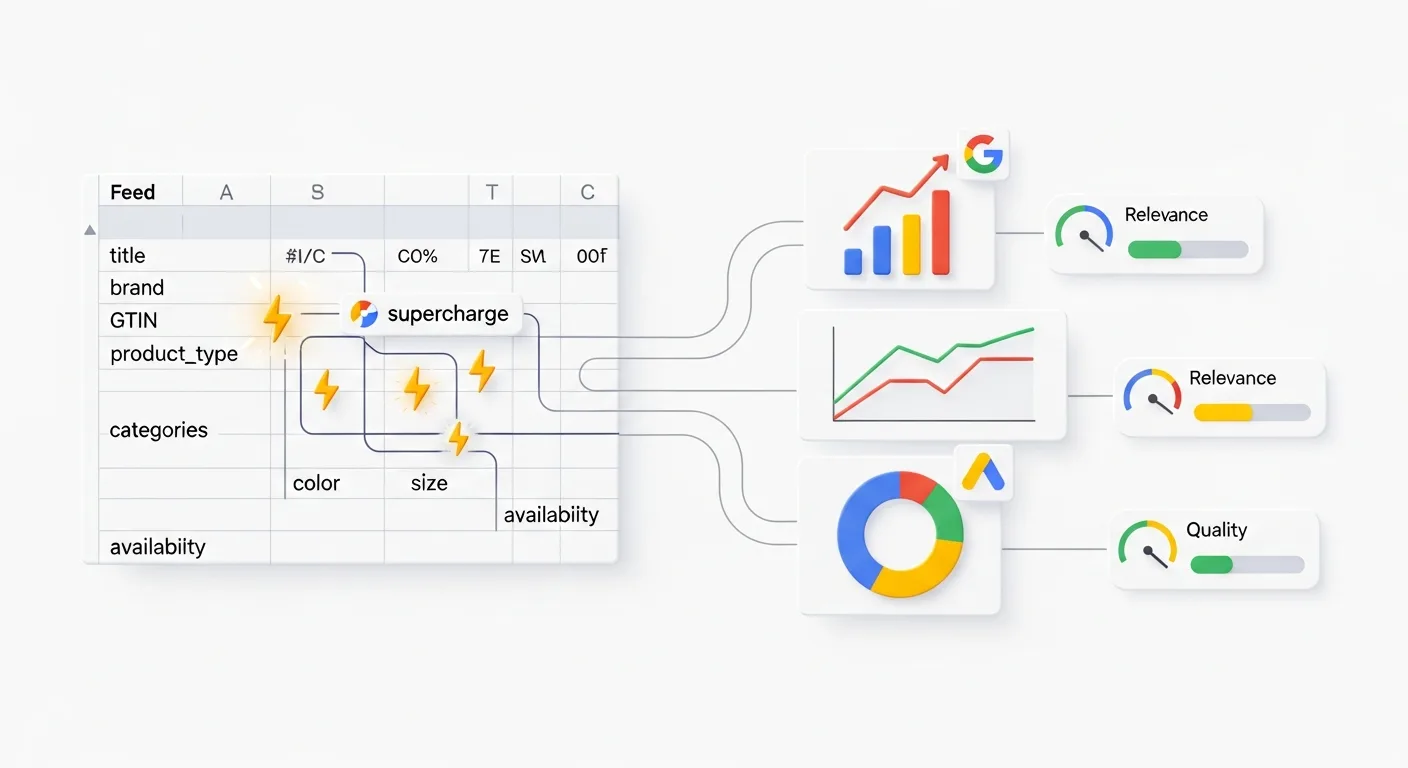
In Shopping ads and Performance Max, your product feed is more than a Merchant Center requirement—it’s the main source Google uses to understand what you sell, match you to queries, and decide which products to show. When key attributes are missing, inconsistent, or vague, Google has less confidence in your catalog, and your ads can lose relevance, volume, and efficiency.
This guide breaks down the feed attributes that most directly influence Google Ads relevance, plus practical ways to strengthen them without rewriting your entire catalog. You’ll also find common mistakes, quick troubleshooting tips, and a checklist you can apply to any ecommerce platform.
How Google Ads uses feed attributes to determine relevance
For Shopping and Performance Max, Google primarily relies on Merchant Center product data (and your landing pages) to determine:
Query matching: which searches your products are eligible to appear for.
Ranking signals: how confident Google is that your product matches the intent.
Policy and data quality checks: whether your items are approved, limited, or disapproved.
Segmentation and bidding control: how well you can group products for reporting, targets, and optimization.
Relevance is often won or lost in a small set of attributes. Improving those fields usually yields better coverage (more eligible auctions), cleaner targeting signals, and fewer interruptions from disapprovals.
Title and description: the highest-leverage relevance signals
title is typically the single most important attribute for query matching. Google reads it like a compact “what is this?” statement. description helps reinforce meaning, add secondary details, and support long-tail matching when the title can’t contain everything.
What a high-relevance title looks like
A strong title balances specificity with readability and aligns with how shoppers search. A practical pattern for many categories is:
Brand + Product type + Key attribute(s) + Variant details
Examples:
“Acme Running Shoes Men’s Trail, Gore-Tex Waterproof, Size 10, Black”
“KitchenPro Stainless Steel Chef Knife 8-inch, Full Tang, Silver”
“Solara Linen Duvet Cover Queen, Sand Beige”
Common mistakes that reduce relevance
Keyword stuffing (repeating terms or adding unrelated keywords).
Missing critical variant details (size, color, material, count).
Using internal jargon (SKUs or supplier abbreviations shoppers don’t use).
Titles that are too short (e.g., “Sneakers” or “Dress”).
Actionable steps
Identify your top 20% revenue products and rewrite titles first.
Make a title template per category (shoes, apparel, electronics, home, etc.).
Ensure variants (color/size/age group/gender) appear consistently in titles where relevant.
Keep descriptions scannable: lead with primary value props, then specs, then compatibility or care details.
If you manage large catalogs, using feed rules and attribute mapping is often faster than editing product pages one by one. A feed management workflow can help you systematically standardize titles and descriptions at scale; tools like Brandlio’s feed management platform are designed for bulk feed optimizations and structured transformations.
Identity attributes (GTIN, MPN, brand): the trust layer that improves matching
Even if your titles are strong, missing identity attributes can limit eligibility or degrade Google’s confidence in what you’re selling. The trio to prioritize is:
gtin: Global Trade Item Number (UPC/EAN/ISBN).
mpn: Manufacturer Part Number (often required if no GTIN).
brand: The manufacturer or brand name.
Why these attributes matter for relevance
They help Google match your item to its product graph (often improving query coverage and consistency).
They reduce ambiguity for common products with many near-identical listings.
They can help avoid “limited performance due to missing identifiers” warnings.
Troubleshooting tips
If you sell custom or handmade goods, confirm whether identifier_exists should be set to false (only when appropriate).
For branded products, don’t invent GTINs. Use the real UPC/EAN from packaging or supplier data.
Keep brand names consistent (e.g., “HP” vs “Hewlett Packard”). Inconsistency fragments matching signals.
Variant attributes (color, size, age_group, gender, material, pattern): relevance and shopper intent
Variant fields are essential for apparel, accessories, home textiles, and many consumer categories. They directly affect query eligibility (e.g., “women’s black linen pants size 8”) and help Google present the correct variant to shoppers.
Must-have variant attributes by category
Apparel: color, size, gender, age_group, material, pattern (where relevant)
Shoes: color, size, gender, age_group
Home textiles: color, material, size, pattern
Multipacks: product type + count details in title/description; ensure item_group_id is used for variants
Common mistakes
Using non-standard colors (“Midnight Ocean” instead of “Navy”). You can still keep the stylish name in the title, but map the color attribute to a standard value.
Putting size in the wrong field (e.g., in title only). Google expects the size attribute where applicable.
Missing item_group_id, causing variants to be treated as unrelated products and complicating reporting.
Best practice: use item_group_id to group variants, keep each variant’s id stable, and ensure each variant has unique link (landing page) and accurate image_link when images differ by color.
Category mapping and product_type: make Google’s understanding explicit
Two attributes shape how Google classifies your products:
google_product_category: Google’s taxonomy (improves classification and can reduce mismatches).
product_type: Your own category breadcrumb (useful for reporting, structuring, and custom label logic).
Practical guidance
Set google_product_category as specifically as possible (avoid overly broad categories).
Use product_type as a consistent hierarchy, like “Apparel > Women > Dresses > Maxi”.
Keep categories stable over time so performance comparisons remain meaningful.
A frequent relevance issue is leaving google_product_category blank and assuming Google will infer everything. Inference can work, but explicit mapping tends to improve consistency—especially for products that can be misclassified (e.g., “booties” vs “boots”, “sofa cover” vs “sofa”).
Price, availability, shipping, and tax: prevent eligibility issues and wasted spend
Relevance isn’t only keywords; it’s also whether your products are eligible and whether the information matches what shoppers see. Mismatches can trigger account warnings, disapprovals, or reduced traffic.
Attributes to keep accurate and synchronized
price and sale_price: must match landing page price (including currency) and update quickly during promos.
availability: keep in sync with inventory status (in stock, out of stock, preorder).
shipping (and shipping settings): ensure rates and service levels are consistent with site checkout.
tax (where applicable): ensure correct configuration for target markets.
Common disapproval triggers
Price mismatch due to delayed feed updates, currency issues, or variant selection defaults.
Availability mismatch when inventory changes faster than feed refreshes.
Shipping misconfiguration (e.g., free shipping in feed but not on site).
Operational tip: increase feed refresh frequency during major sale events and when inventory is volatile. If you’re fixing many issues across a large catalog, use a feed workflow that can quickly identify problem clusters (by brand, category, or template). You can streamline bulk fixes and rule-based updates with a dedicated product feed optimization workflow rather than patching products individually.
Custom labels: the attribute that unlocks smarter bidding and reporting
custom_label_0 through custom_label_4 don’t directly improve query matching, but they can dramatically improve performance by giving you control. They let you segment products in Google Ads for bidding, budgeting, and analysis.
High-impact custom label ideas for ecommerce
Margin tier: high / medium / low margin
Seasonality: evergreen / holiday / summer
Price bands: under-25 / 25-50 / 50-100 / 100-plus
Best sellers: top sellers / long tail
Clearance: clearance / full price
How to use them in practice
Pick 1–2 segmentation dimensions you can maintain reliably.
Define clear rules (e.g., margin based on cost data, or “clearance” from a tag in your store).
Align labels to campaign structure (Performance Max asset groups or Shopping ad groups) and reporting.
Review performance by label monthly to decide what to promote, pause, or reprice.
Custom labels turn your feed into an optimization control panel—especially when you need to protect ROAS by pushing budget toward profitable SKUs instead of spreading spend evenly.
Conclusion: a practical next-step checklist
If you want more relevant Google Ads traffic without guessing, focus on feed attributes that improve understanding, eligibility, and control. Start with what impacts the auction most, then expand.
Standardize titles with a category template and include variant details.
Fill in GTIN/MPN/brand consistently to strengthen product identity.
Complete variant attributes and use item_group_id for all variant families.
Map google_product_category precisely and keep product_type consistent.
Eliminate price/availability/shipping mismatches to avoid disapprovals.
Add custom labels to segment by margin, seasonality, and best sellers.
Once those foundations are in place, you can iterate: test improved title formats, refine category mapping, and build more granular product groups for smarter bidding in Shopping and Performance Max.
Recent Posts


